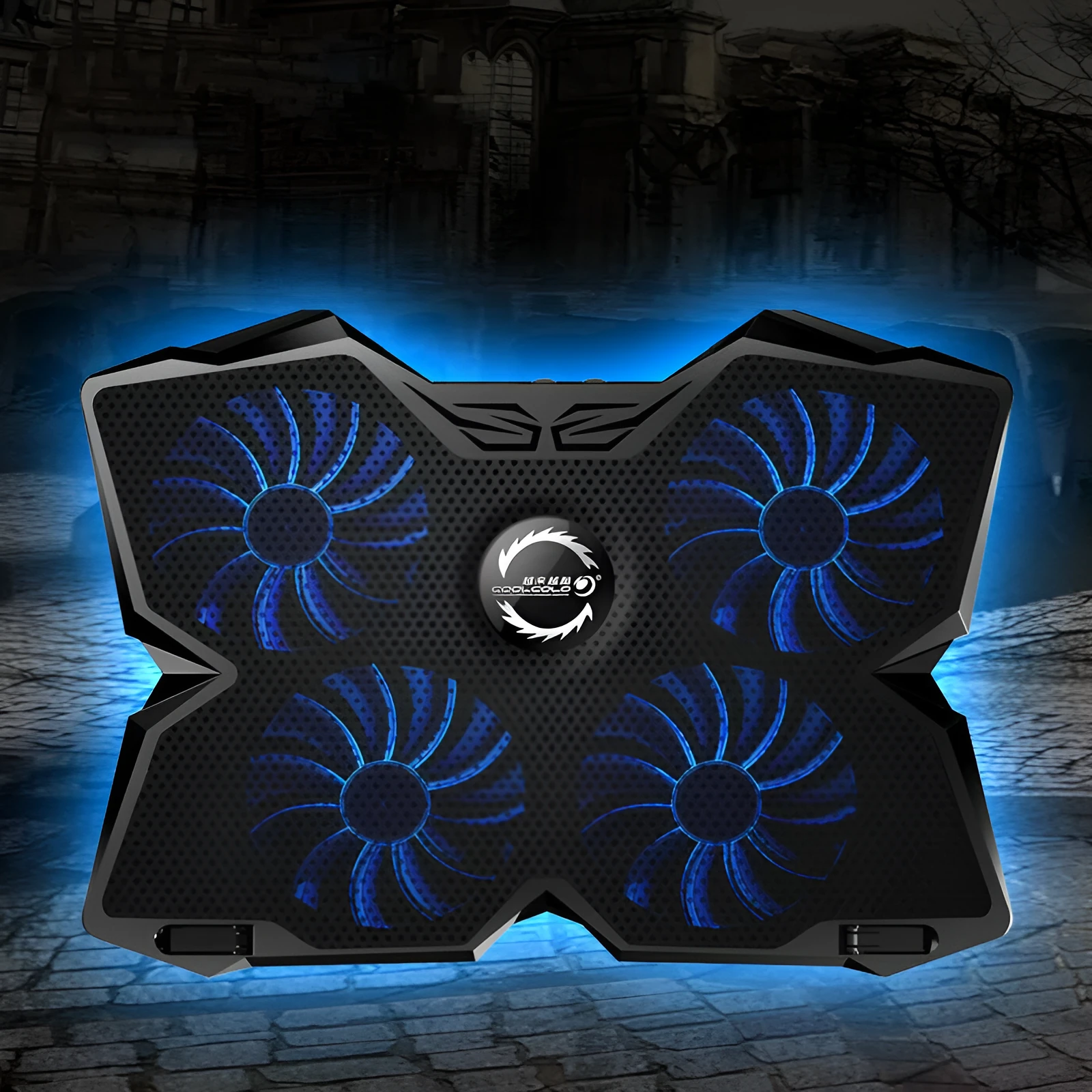
4 Fan USB Powered Computer Cooling Base Desktop Cooling Stand Laptop Cooling Pad with Two Fan Speed Switches and Blue or Red LED Fans for Heat Dissipation Exhaust Cooling USB Hub Function


4 Fan USB Powered Computer Cooling Base Desktop Cooling Stand Laptop Cooling Pad with Two Fan Speed Switches and Blue or Red LED Fans for Heat Dissipation Exhaust Cooling USB Hub Function
USB-Powered 4 Fan Computer Cooling Base with Speed Switches and Dual USB Ports
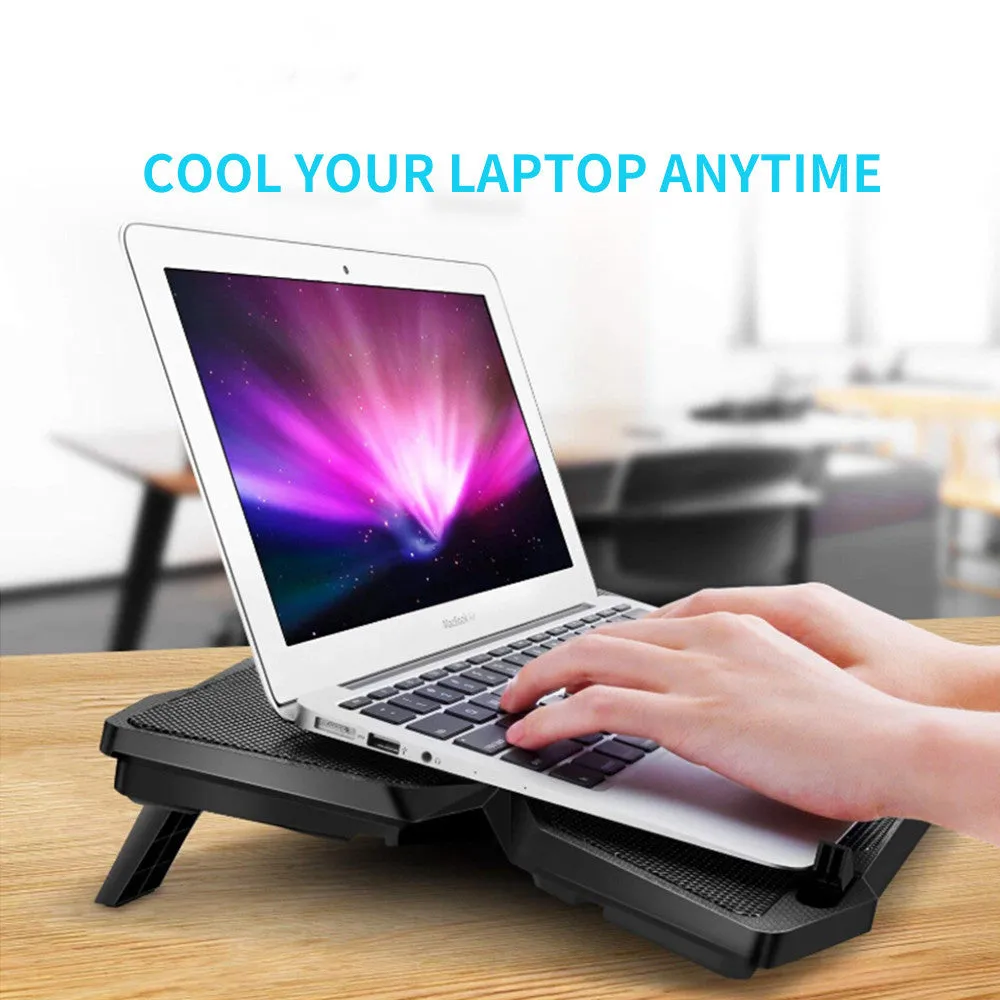
Heat management is a common concern for desktop and laptop users, especially during demanding tasks or in warm environments. This cooling base offers a practical, cable-free solution by drawing power directly from your computer via a single USB connection. Its core function is straightforward: it uses a quartet of fans operating in an air cooling mode to actively pull heat away from the base of your device. Beyond cooling, its design incorporates two integrated USB ports, effectively turning it into a simple USB hub. The inclusion of two manual fan speed switches puts immediate control over the cooling intensity in your hands, allowing you to tailor the airflow to match your computer's workload. Whether you need a gentle breeze for light browsing or maximum airflow for gaming or intensive software, this adjustability is a key feature.
Features and Construction

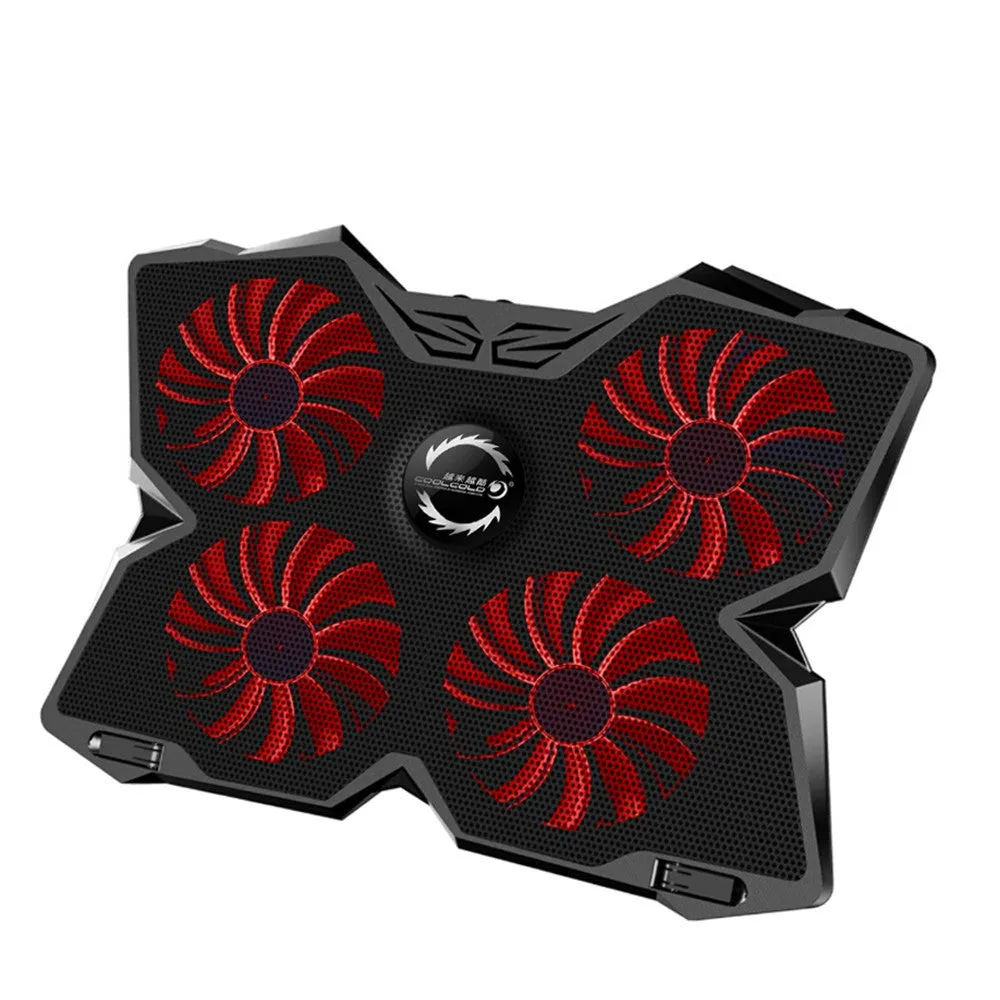
This cooling stand is built around functionality and user control. Its primary cooling mechanism consists of four fans arranged to provide broad coverage under your computer. Each fan is equipped with either blue or red LED lighting, which serves as a clear visual indicator that the unit is active and operational. The construction centres on a plastic housing that holds the fan assembly and provides a stable, elevated platform for your device. This design promotes better air circulation compared to placing a computer directly on a solid surface like a desk.
Material and Build
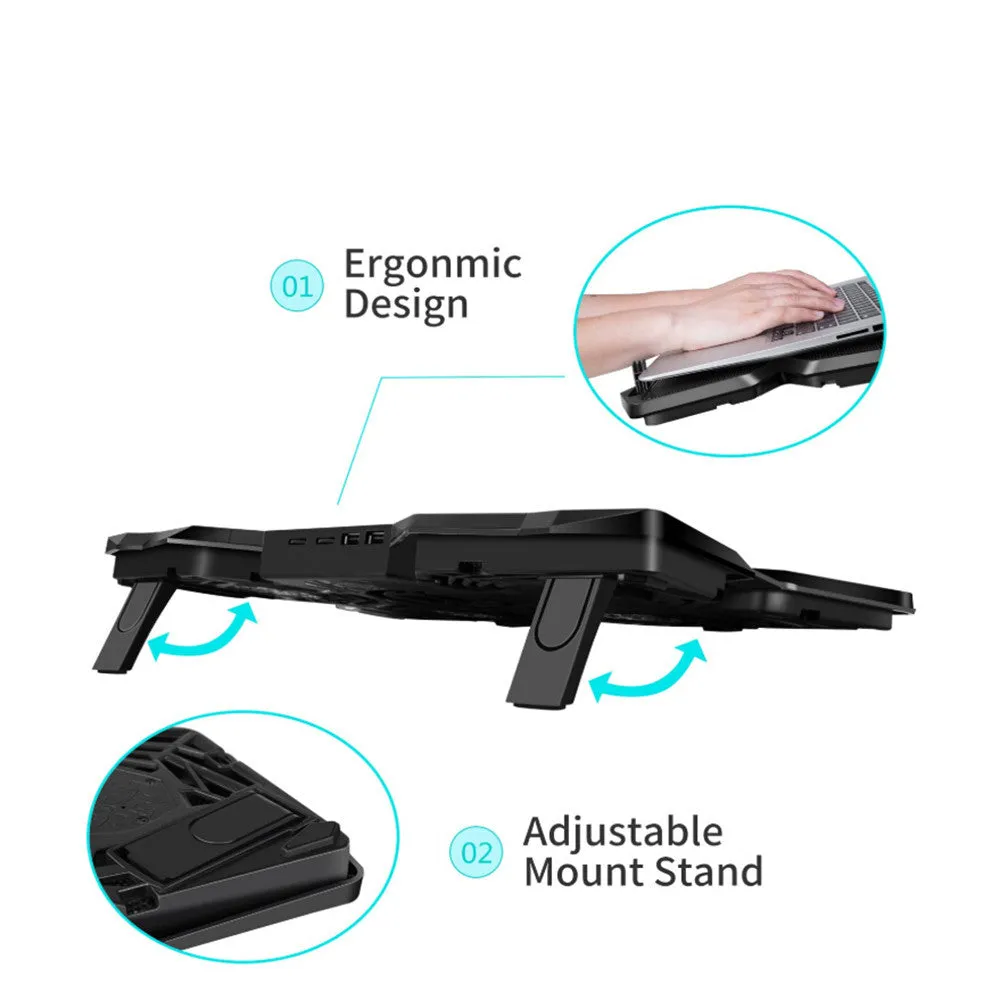
The cooling base utilises a plastic frame and housing, making it lightweight and easy to position on your desk. The material choice focuses on providing a durable platform for your equipment while housing the internal fan motors and LED circuits. The fans themselves are integrated into this structure, with their grilles designed to allow for efficient intake and exhaust of air. The build prioritises a straightforward, no-fuss setup, with all controls and ports accessible on the unit's surface for easy adjustment and connection.
Size and Practical Fit
While specific dimensions are not detailed, the four-fan configuration suggests a design intended to accommodate a range of laptop sizes and smaller desktop tower bases. The platform provides a stable, flat surface that raises your computer slightly, creating the necessary space beneath for the fans to draw in air and expel warm exhaust. This elevation is a fundamental part of its air cooling mode, improving the natural thermal dynamics around your machine. Its USB-powered nature means it requires no external power brick, keeping your workspace tidy.
Uses and Placement
The cooling pad's utility extends across various computing scenarios, from casual home office use to more demanding creative or gaming sessions. Its simple connection method—via a single USB cable—makes it highly portable and easy to deploy wherever you use your laptop or have a desktop setup. The product's design addresses the basic need for improved ventilation, which can be particularly beneficial for laptops with bottom-mounted air intakes or for desktops placed in enclosed spaces.
Event or Professional Use
For professionals who rely on laptops for presentations, video editing, or data processing in different locations, this cooling base offers a consistent way to manage thermals. The manual fan speed switches allow for quick adaptation: a lower, quieter setting might suffice for a meeting, while a higher setting can be engaged for rendering or compiling code. The dual USB ports add professional convenience, providing easily accessible ports for a wireless mouse dongle, a presentation remote, or a USB drive without needing to reach behind a computer.
Everyday Home Use
In a home setting, this unit serves as an effective tool for extending gaming sessions or keeping a family computer running cooler during everyday multitasking. The LED fans can add a subtle aesthetic touch to a gaming setup. Placing a laptop on the cooling pad during long periods of use, such as streaming video or working on documents, can help prevent the discomfort of a warm keyboard and chassis. It's a simple upgrade that focuses on improving the immediate physical environment of your computer.
Benefits and Buying Value
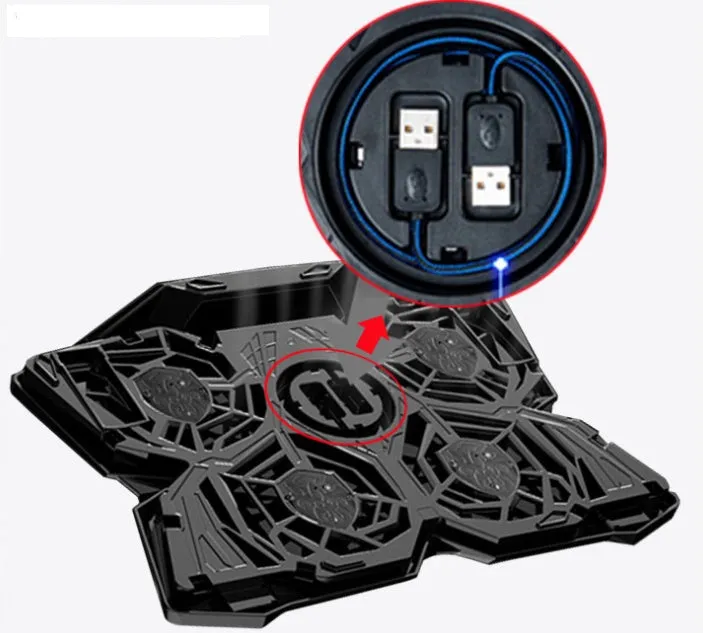
The value of this cooling base lies in its multifunctional approach to a common computer accessory need. It combines active cooling with basic USB hub functionality in one device. The user is given direct control over its primary function through the physical speed switches, a feature that provides tangible adjustment without relying on software. This product addresses heat dissipation practically, using a proven air cooling method powered conveniently by the very device it's helping to protect.
Reuse and Low Maintenance
The cooling pad is designed for ongoing use with different computers over time. Its USB interface is universal, ensuring compatibility with a wide range of desktops and laptops, both current and future. Maintenance is minimal; keeping the fan intakes free from dust buildup with occasional gentle cleaning is the primary care required. Its solid-state construction with no complex moving parts beyond the fans contributes to a straightforward ownership experience focused on reliable, repeated use.
Why Choose This Product
Choosing this cooling base comes down to its combination of adjustable four-fan cooling and practical added connectivity. It offers more control than a single-speed cooling pad through its two-speed switches. The inclusion of two USB ports solves a common problem of limited laptop ports, adding value beyond just temperature management. For users seeking a no-nonsense, manually controlled cooling solution that also helps organise USB cables, this product provides those specific, source-supported advantages in one integrated unit.